
Guides
Instagram Stories guides & how-tos
Short, step-by-step guides for sharing photos, videos, collages, tweets, web pages, YouTube videos and podcasts to your Instagram Story with to Stories.
-
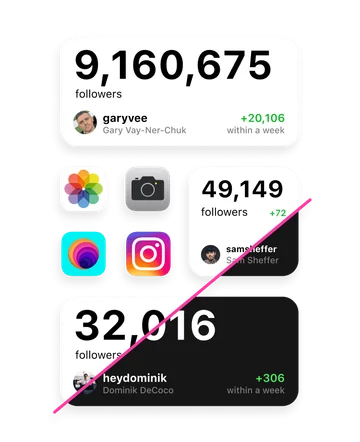
Instagram followers widget for your iPhone Home Screen
See your Instagram follower count on the Home Screen, with a 7-day trend.
Read guide → -
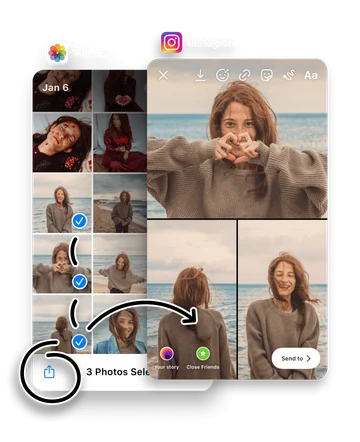
How to make a photo or video collage for Instagram Stories
Turn several photos or videos into a ready-made Story collage.
Read guide → -
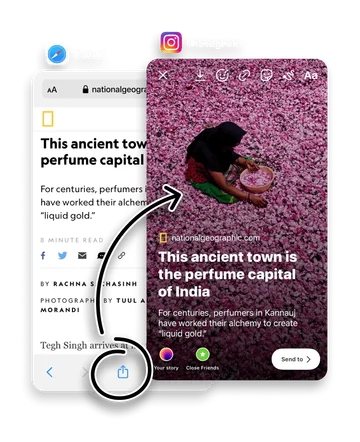
How to share a web page to Instagram Stories
Share an article, blog post or product page as a designed card.
Read guide → -
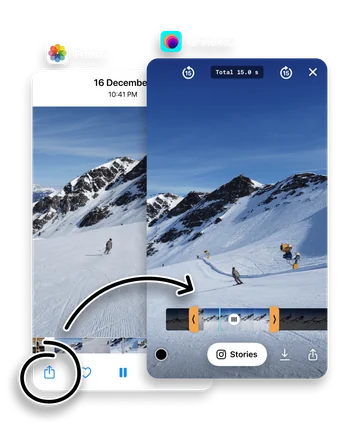
How to share video to Instagram Stories
Trim a video to the right length and send it to your Story.
Read guide → -
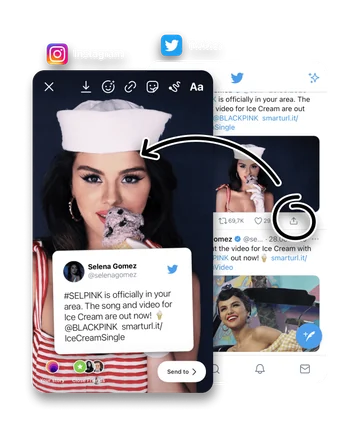
How to share tweets to Instagram Stories
Turn a tweet or X post into a clean, designed Story card.
Read guide → -
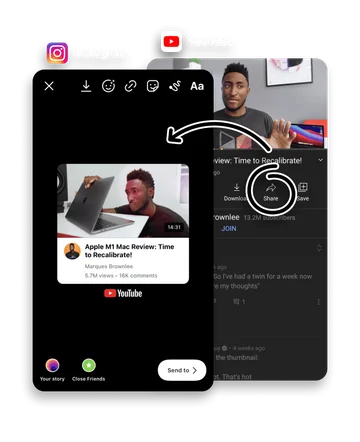
How to share YouTube videos to Instagram Stories
Share a YouTube video as a sticker or full-screen Story card.
Read guide → -
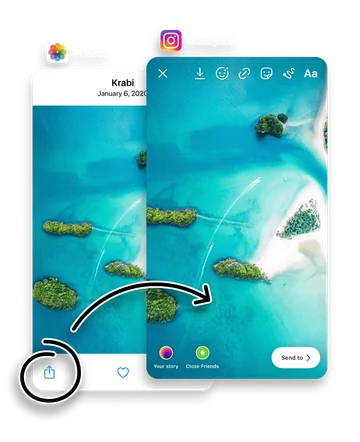
How to share photos to Instagram Stories
Send any photo from your camera roll to your Story in two taps.
Read guide → -
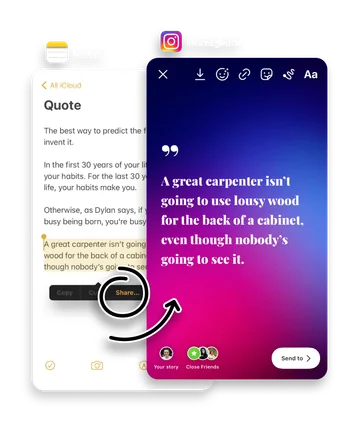
How to share text and quotes to Instagram Stories
Turn any block of text into a designed Story with fonts and colors.
Read guide → -
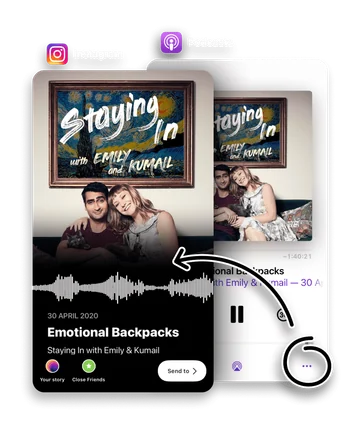
How to share podcasts to Instagram Stories
Share a podcast moment as an audio snippet Story card.
Read guide → -
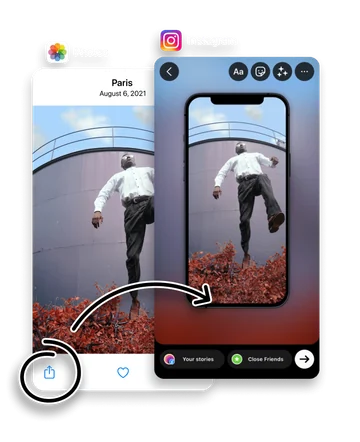
How to design photo Stories for Instagram
Style photos with frames, blur and gradients for a designed Story.
Read guide → -
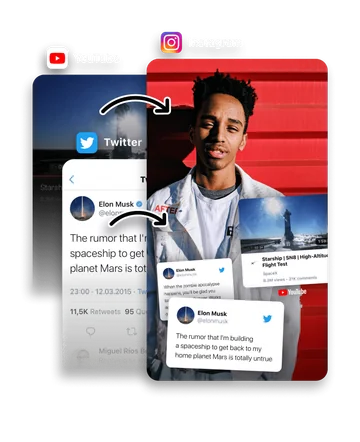
How to add stickers on top of your Instagram Story
Place tweet, YouTube and web stickers on top of an existing Story.
Read guide → -
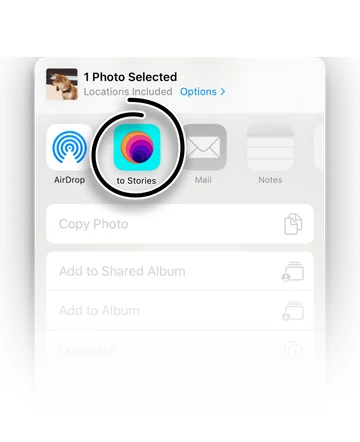
How to share to Instagram Stories from any app
Add to Stories to the iOS Share Sheet so you can post to your Story from anywhere.
Read guide → -
Instagram Story size and dimensions
1080 × 1920 px at 9:16, plus safe zones, file limits and video length.
Read guide →