
Guide
How to share YouTube videos to Instagram Stories
Share a YouTube video to your Instagram Story as a clean preview card. Choose between a compact sticker and a full-screen, immersive poster.
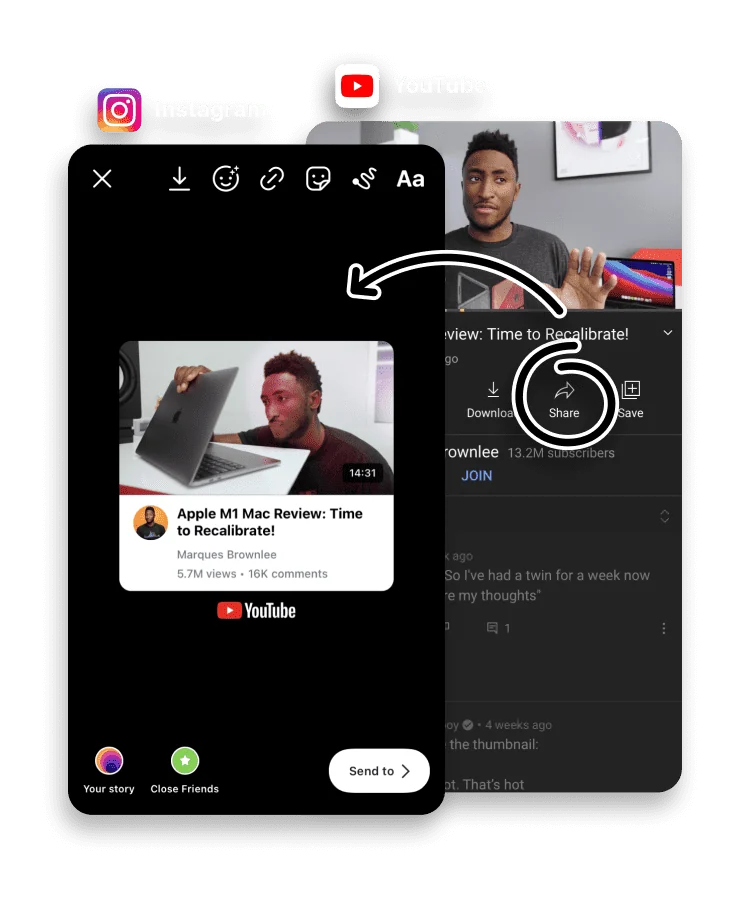
Promoting a YouTube video in your Story works best when viewers can see what they are about to watch. to Stories builds a preview card from the video, complete with its cover art and details.
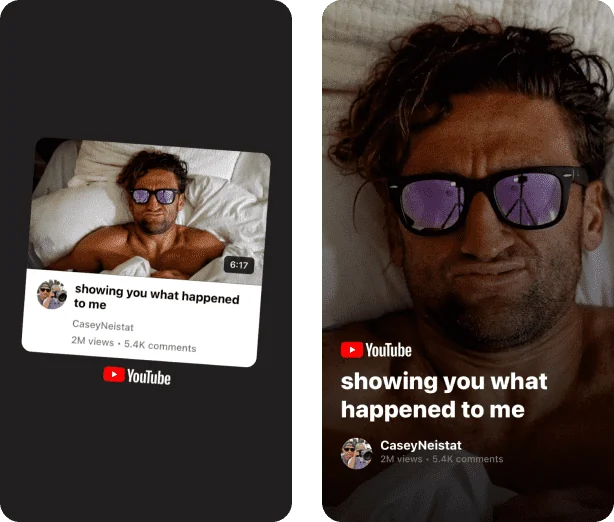
Pick a compact sticker to sit alongside other content, or a full-screen poster when the video is the whole point of the Story.
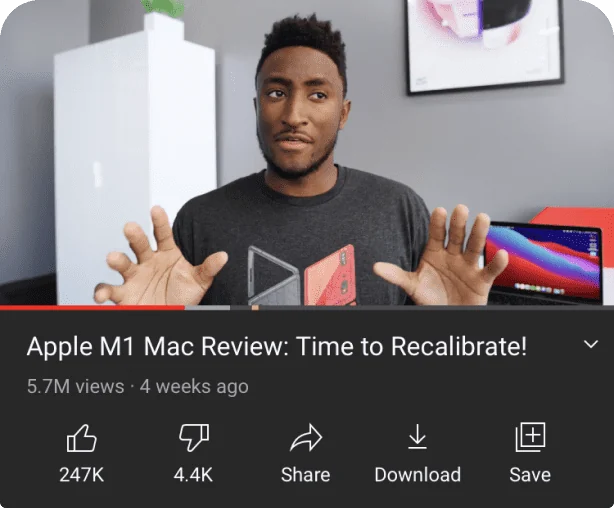
Open the YouTube app, find a video and tap Share.

Scroll the app row to the right and tap More.
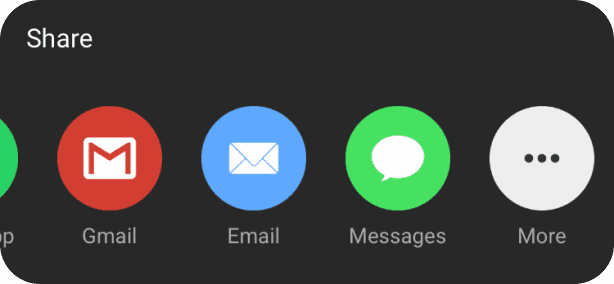

Choose to Stories in the Share Sheet.

Your Story is ready to publish. Pick the layout you like best, or change the background color.
Card vs link sticker
It helps to know what each piece does. The to Stories card is a designed preview: it shows the video's cover art, title and channel, so followers can see what they would be watching. It is not a player and not a link. To make the Story open the video, add Instagram's link sticker next to the card and point it at the YouTube URL. The card earns the tap; the link sticker delivers it.
Sticker or poster?
The two layouts suit different Stories:
- Sticker is compact, so it sits neatly on a photo or video Story when the video is one part of a wider post.
- Poster fills the frame for an immersive look, best when the video is the whole reason for the Story.
Both pull in the video's real cover art, so the card looks like the video rather than a generic link.
Frequently asked questions
What is the difference between the sticker and poster layouts?
The sticker is a compact card you can place anywhere on a Story; the poster is a full-screen, immersive layout.
Does the video play inside the Story?
No, the card is a preview. Add Instagram’s link sticker so viewers can tap through to watch on YouTube.
Can I share videos from my own channel?
Yes. Any YouTube video can be shared from the YouTube app using its Share button.
Is to Stories free?
Yes. to Stories is free to download and use, with an optional Pro subscription that unlocks every feature.
Does this work with YouTube Shorts?
Yes. A Short shares the same way as a standard video: open it, tap Share, then More, then to Stories, and the app builds a card from it.
Why is to Stories not in the YouTube share menu?
The YouTube app hides extra options behind More. Tap Share, scroll the app row to the end, tap More, and choose to Stories from the full list.