
The Instagram Stories
design app
you'll enjoy
using
An Instagram Story maker for iPhone
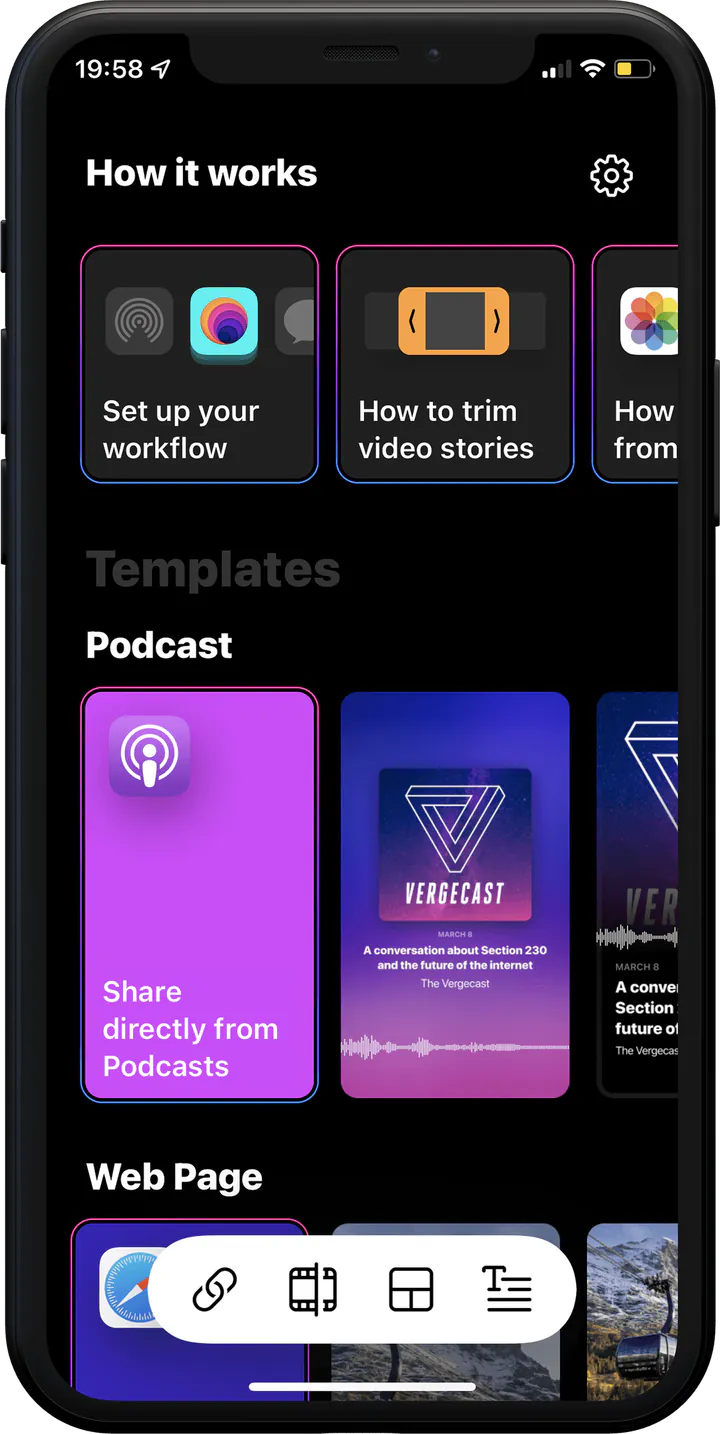

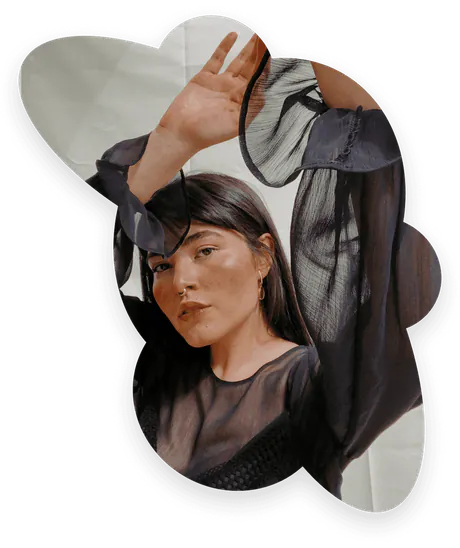



Everything you can share to Instagram Stories
to Stories brings photos, videos, collages, tweets, web pages, YouTube clips and podcasts together in one app, so you can design and publish an Instagram Story without ever leaving it. Everything it makes is sized for the 1080 × 1920 Story canvas. No iPhone? Try the free in-browser Instagram Story collage maker.
-
Share photos in seconds
Post photos to Instagram Stories straight from your camera roll, with no screenshots and no detours.
Read the guide → -
Photo collages
Arrange 2 to 9 photos or videos into ready-made collage layouts built for the vertical Story canvas.
Read the guide → -
Trim & share video
Cut a clip down to the moment that matters and send it to your Story while you are on the go.
Read the guide → -
Tweets as Story cards
Turn any tweet into a clean, designed Story card with a choice of templates and colors.
Read the guide → -
Web pages & articles
Drop in a link and to Stories lays out the article, headline, image and all, for your Story.
Read the guide → -
YouTube & podcasts
Create preview cards for YouTube videos and podcasts, complete with cover art and details.
Read the guide → -
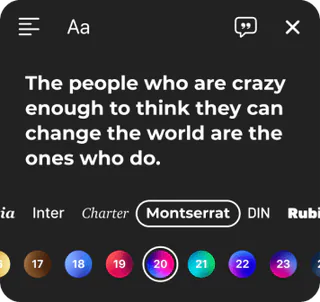
Style your text
Add quotes and captions with custom fonts, colors and gradients to make every Story your own.
Read the guide → -
Follower widget
Keep an eye on your Instagram followers and growth with a widget right on your home screen.
Read the guide → -
Story collage maker
Free in-browser tool: make a 1080 × 1920 photo collage for your Story, no iPhone needed.
Open the tool →
Loved by creators worldwide
From everyday posts to full-time content creation, here is what people around the world say about designing their Instagram stories with to Stories.
-
★★★★★
Professional and easy to use for beautiful Instagram stories.
App Store · United States · -
★★★★★
The shortcut directly to Instagram Stories is genius.
App Store · United States · -
★★★★★
The tool for every IG content creator.
App Store · Nigeria · -
★★★★★
Sleek design and very innovative functions.
App Store · Spain · -
★★★★★
Smooth, very easy to use, and great for podcasters.
App Store · Canada · -
★★★★★
Elegantly solves a sometimes annoying problem.
App Store · Jamaica · -
★★★★★
Easy to use, fast, modern, and free.
App Store · United States · -
★★★★★
Very clean and professional.
App Store · Canada · -
★★★★★
Super stylish, simple, and handy.
App Store · Ukraine ·
Frequently asked questions
What is to Stories?
to Stories is an iPhone app for designing and sharing content to Instagram Stories. It brings photos, videos, collages, tweets, web articles, YouTube videos and podcasts into one place so you can create Stories without screenshots or workarounds.
Is to Stories free?
Yes. to Stories is free to download and use. An optional to Stories Pro subscription unlocks every feature and comes with a free trial.
What can I share to my Instagram Story with to Stories?
You can share photos, videos, photo collages, tweets, web pages and articles, YouTube videos, podcasts and styled text, all formatted for the vertical Story canvas.
Can I make a photo collage for Instagram Stories?
Yes. to Stories can arrange 2 to 9 photos or videos into ready-made collage layouts designed for the Instagram Story format.
Does to Stories work on Android?
to Stories is currently available for iPhone only and requires iOS 17.6 or later.
How do I share a tweet or web article to my Story?
Add the tweet or article link in to Stories, choose a design template, and send the finished card straight to your Instagram Story.