
Guide
Instagram followers widget for your iPhone Home Screen
Your Instagram follower count, right on your Home Screen, with no need to open Instagram to check it. The to Stories widget refreshes itself through the day and shows how your count has moved over the past week.
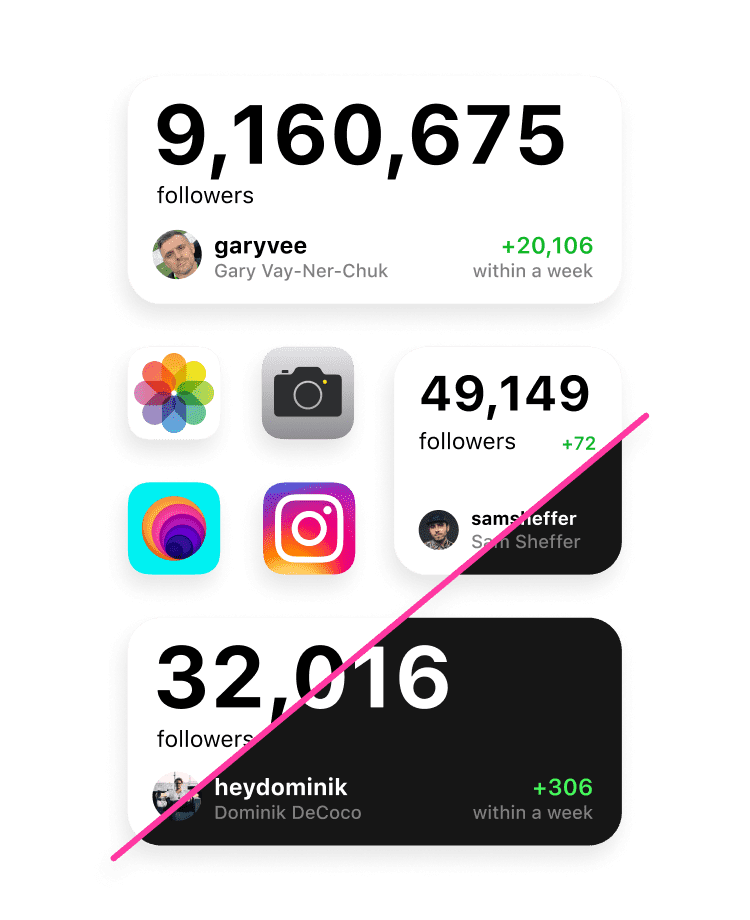
Checking your follower count means opening Instagram, tapping through to your profile, and usually getting pulled into the feed on the way there. A Home Screen widget skips all of that. The number is there whenever you glance at your phone.
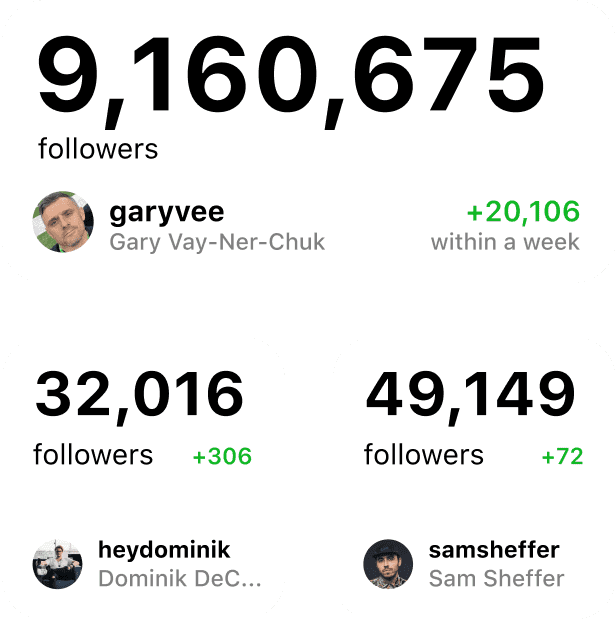
The to Stories widget shows your current count with a small indicator of how it has changed over the last 7 days, so you can see which way it is heading, not just the latest number. The widget is free, and it comes in two sizes. Setting it up needs one thing: a public Instagram username, with no account login and no password. If you run more than one account, add a separate widget for each.
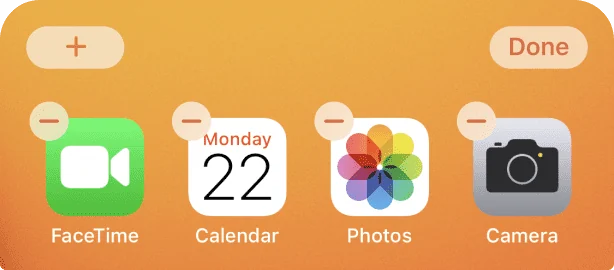
Touch and hold a widget or an empty area of the Home Screen until the apps jiggle, then tap the add button in the upper-left corner.

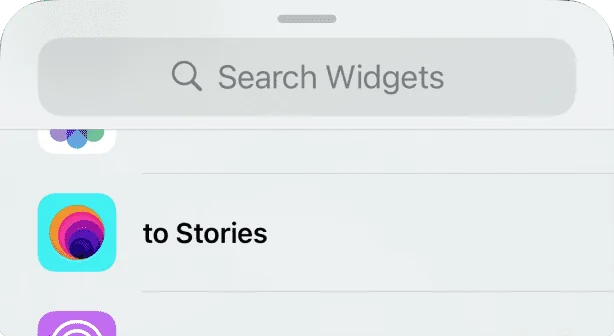
Find the to Stories widget in the list, pick the size you like, then tap Add Widget.
Touch and hold the widget and choose Edit Widget from the menu.


Enter the Instagram username you want to track, then close the editor.
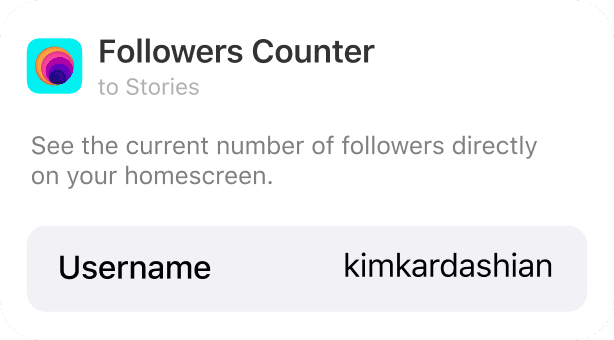
All set. The follower count refreshes automatically every couple of hours, and the indicator shows your growth over the last 7 days.
What the widget shows
The widget keeps two things in view. The large number is the current follower count for the username you set. The smaller indicator beside it shows how that count has moved over the past 7 days, so you see the direction, not just the latest figure. It refreshes itself every couple of hours, with no login and no need to open Instagram. To follow more than one account, add a separate widget for each and give each its own username.
Frequently asked questions
How often does the follower count update?
Automatically, roughly every couple of hours. There is no need to refresh it.
Can I track more than one Instagram account?
Yes. Add a separate widget for each account and set each one to a different username.
Does the widget need my Instagram password?
No. You only enter a public Instagram username, with no login and no password required.
What does the indicator on the widget show?
It shows your follower growth over the last 7 days, so you can see the trend at a glance.
Is the followers widget free?
Yes, the followers widget is free for everyone, with no Pro subscription required. to Stories is free to download, and Pro is an optional upgrade for the rest of the app.
Can I track a private Instagram account?
The widget reads public follower counts, so it works with public accounts. A private account does not expose the number the widget needs.
Does the Instagram followers widget work on the latest iOS?
Yes. The widget works on both iOS 26 and iOS 18.