
Guide
How to design photo Stories for Instagram
to Stories gives your photos a designed look, with device frames, blur, gradients and stickers, before they ever reach your Story.
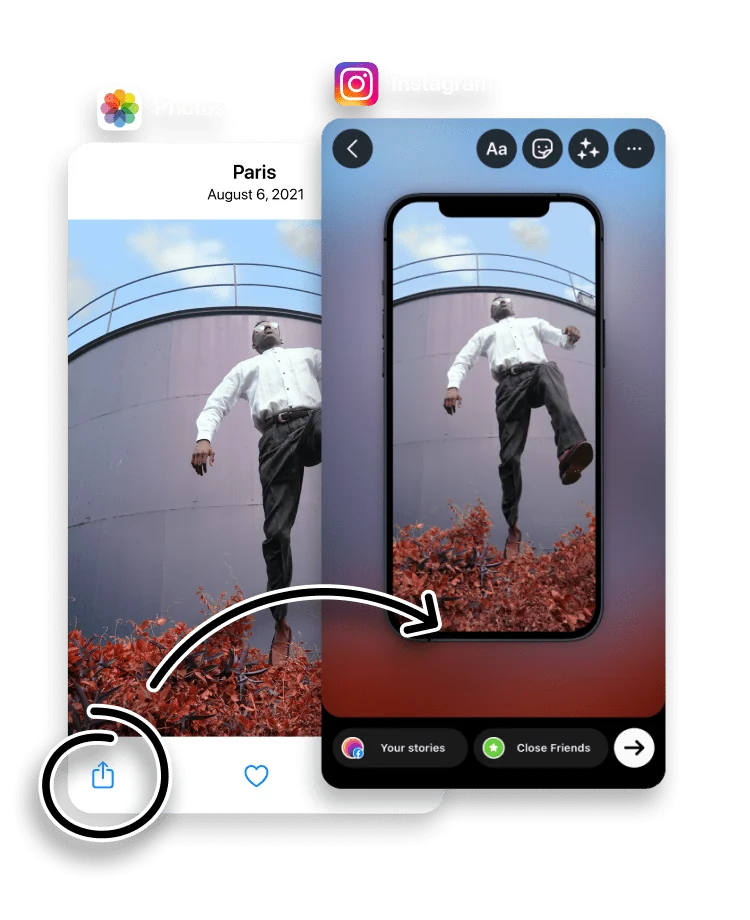
A plain photo and a designed photo Story look very different in a feed of Stories. to Stories adds the design layer of device frames, blur, gradients and stickers, so a quick snap or a screenshot looks deliberate.
These tools are useful for showing off an app, framing a screenshot, or giving an ordinary photo some depth before it goes to your Story.
Style your photos, turn them into stickers, and add blur or gradients for depth.
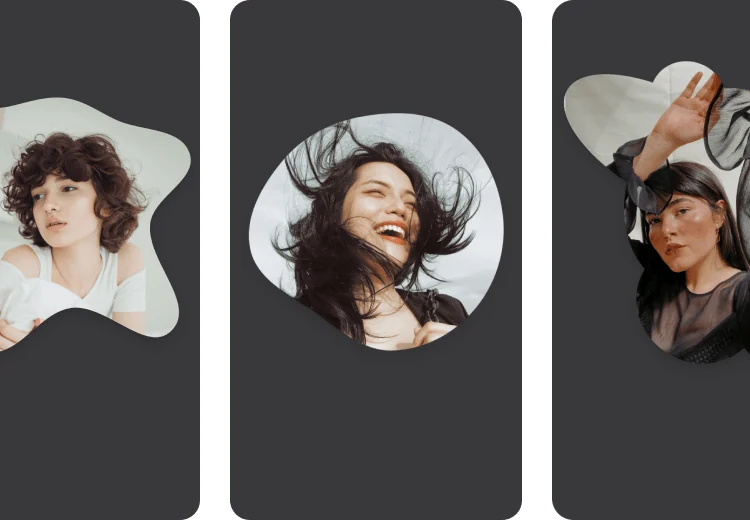
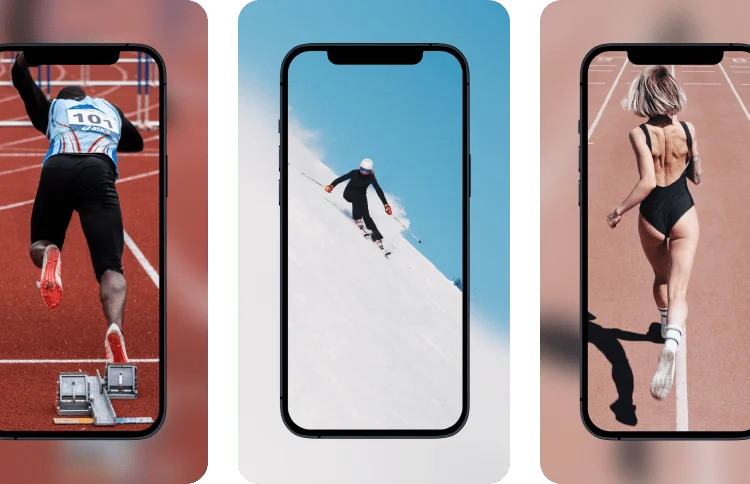
Use device frames to dress up photos, any images and screenshots.
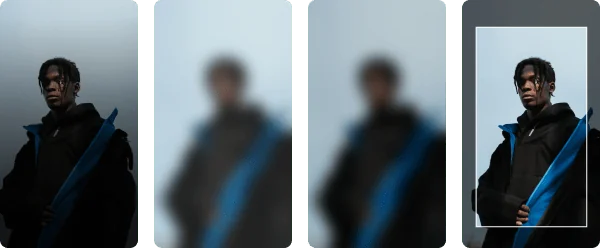
Apply a gradient or a light or dark blur effect. Use frames to highlight a single object.
Open the iPhone Photos app, pick a photo and tap the Share button.
Choose to Stories in the Share Sheet to start designing.


When a designed Story works best
A plain photo and a designed photo Story read very differently in a feed. The design layer earns its place when you are showing off an app or a product, presenting a screenshot, or giving an everyday photo enough depth to hold attention. A candid moment can stay plain; anything you want people to pause on benefits from a frame, a blur or a gradient.
Keeping the Story the right size
Whatever effects you add, to Stories keeps the result on the 1080 x 1920 Story canvas, so a framed photo or a blurred background fills the screen with no letterboxing. You design inside the Story shape from the start, rather than fitting a finished image to it afterwards.
Frequently asked questions
What is a device frame?
A mockup frame, such as an iPhone, that you place a photo or screenshot inside. It is useful for presenting app screens and designs.
Can I blur the background of a photo?
Yes. Apply a light or dark blur, or a gradient, to make your subject stand out.
Do the design tools work on screenshots?
Yes. You can style screenshots and any image from your photo library, not just camera photos.
Is to Stories free?
Yes. to Stories is free to download and use, with an optional Pro subscription that unlocks every feature.
Do I need design skills to use these tools?
No. The frames, blur and gradient effects are presets: you pick one and adjust it, so a styled Story takes a few taps rather than a design background.
Do the effects lower my photo quality?
No. Frames, blur and gradients are applied at full resolution, and to Stories passes the result to Instagram without an extra compression pass.